Familiar payments. Clearer records.
Collect through your own QR codes. Keep every screenshot, reference, and review attached to the right account.
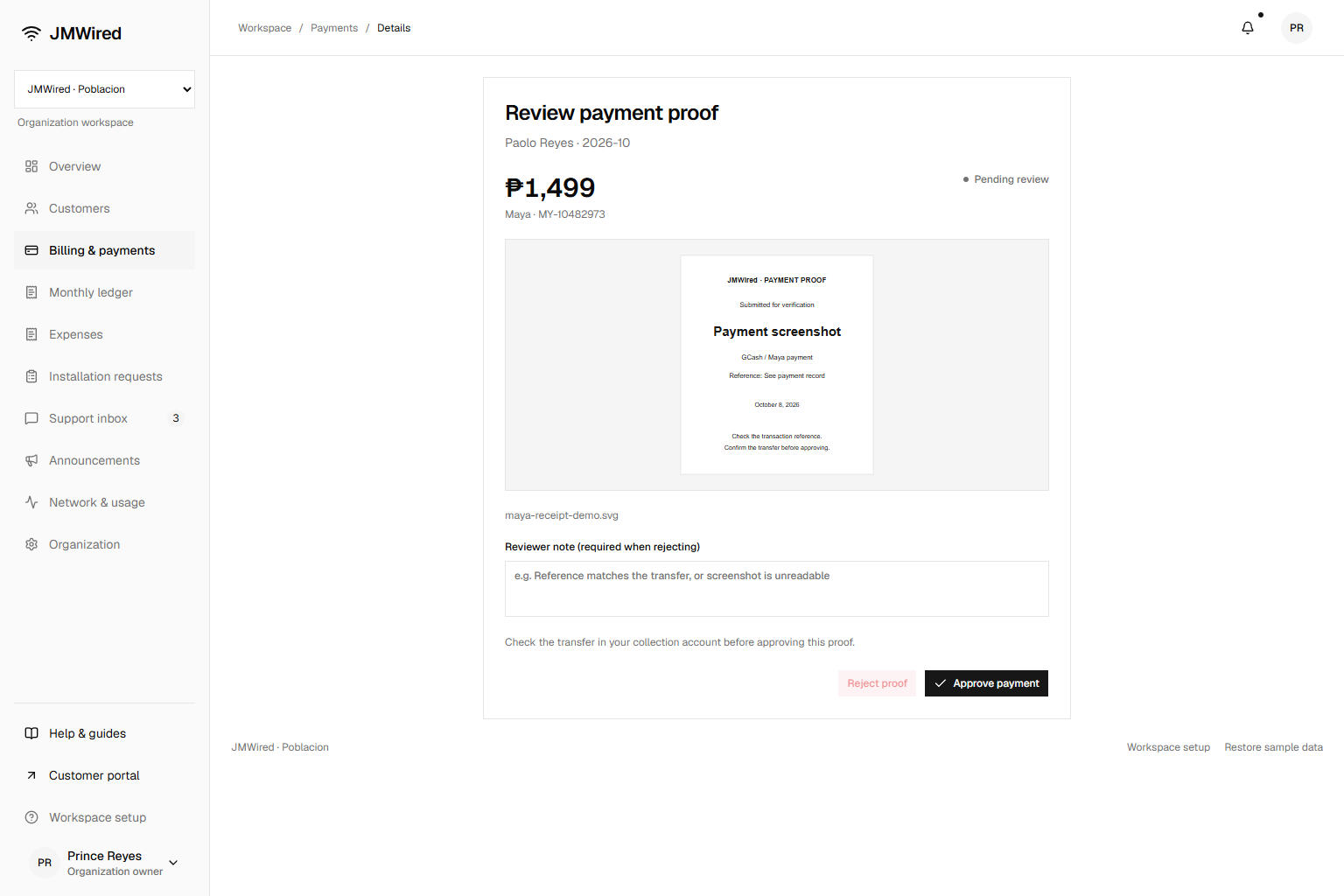
A payment has a paper trail.
Customers upload their screenshots directly from the portal. Your team checks the reference and transfer, then approves the payment or explains what needs correcting.
Approving the proof updates the bill and payment history together.
01
Bill
The plan, monthly amount, and billing day belong to the customer account.
02
Pay
The customer scans the organization’s collection QR in their payment app.
03
Submit
A transaction reference and payment screenshot go into the portal.
04
Review
Staff verify the transfer and confirm or return the proof for correction.
Less searching when billing day arrives.
- Filter paid, unpaid, and pending payments.
- See each customer’s upcoming billing day.
- Record cash collected by your staff.
- Review past payments and submitted proof.